
The usual way
Hours of building scenes and chases on a lighting desk before every gig, and a new song means doing it again.
With Oddwave DMX
It listens to the music and runs the show as you play. There are no cues to write.
Kickstarter launches Sunday, November 22, 2026 at 10:00 a.m. Eastern.
Describe your light show in plain English. No programming required.
Drag to turn it
Tell Oddwave DMX the vibe, like “dark warehouse techno, red and amber,” and your lights play it in time with whatever you're playing: a DJ mix, a live band, or a Spotify playlist.
20 Super Early Birds at US$150, down from US$449. First come, first served when the campaign opens Sunday.
Live
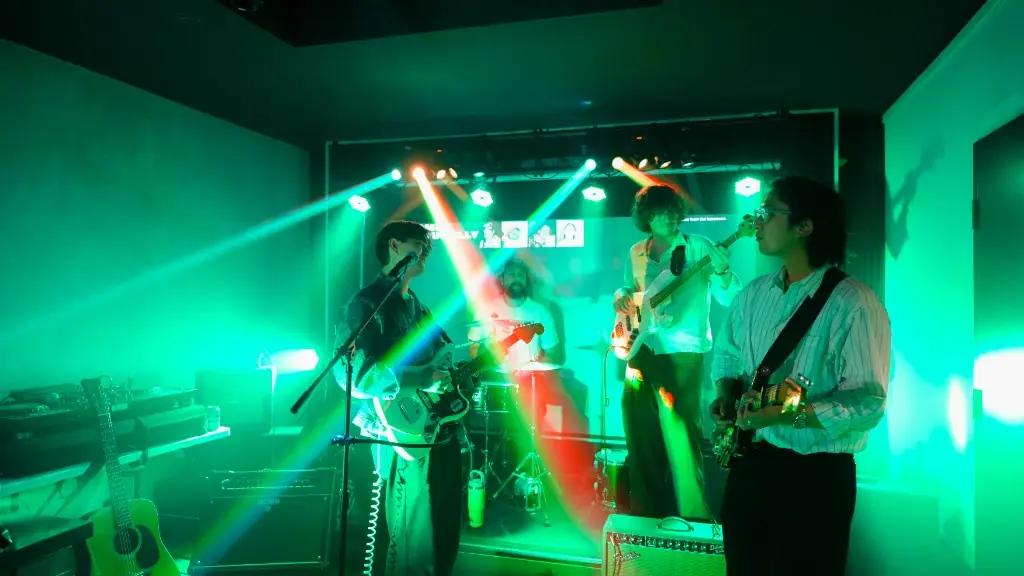
The lights ran entirely on autopilot. No pre-programmed show. No lighting operator. Just Oddwave DMX directing every light in real time.
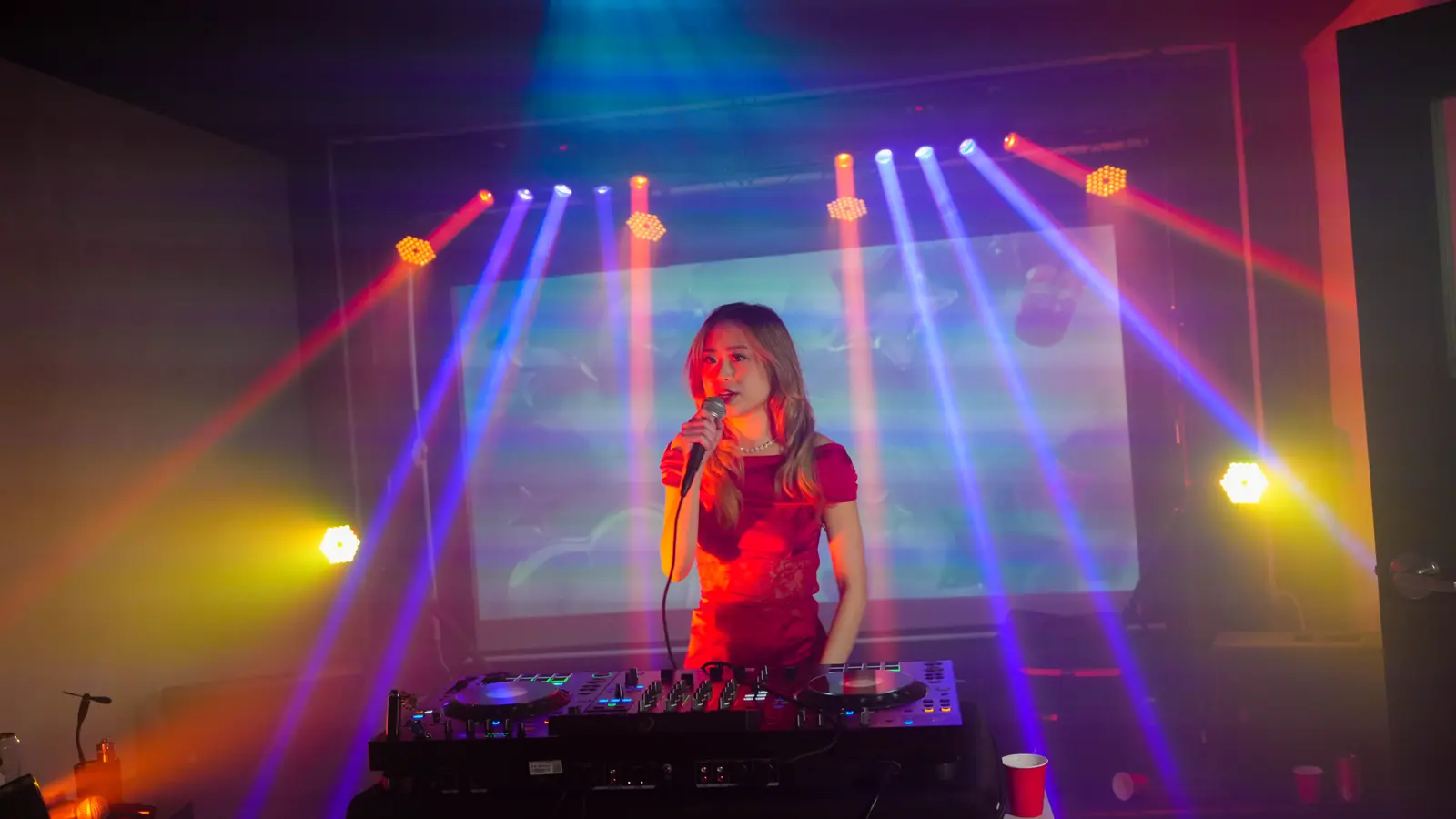
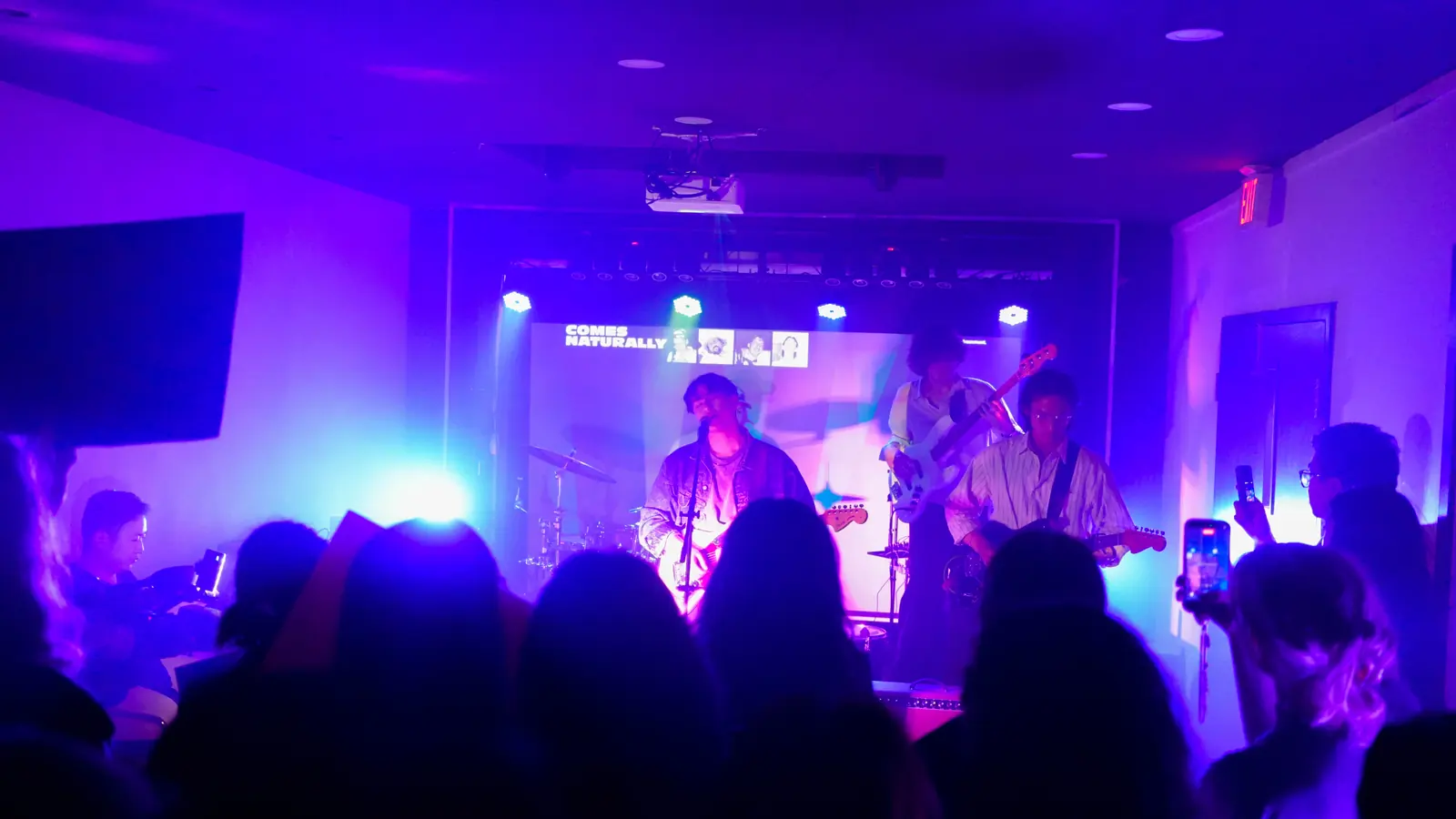
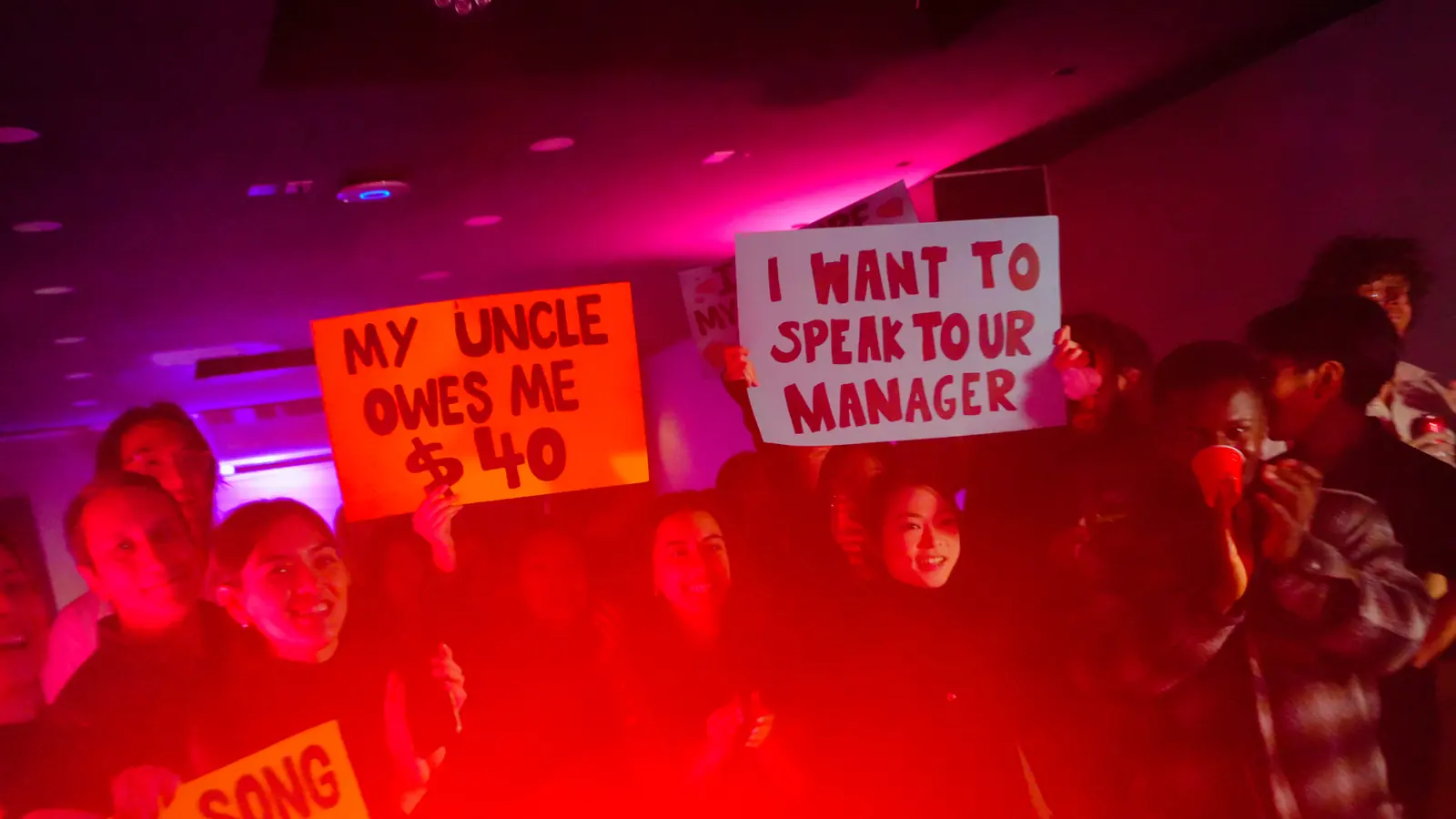
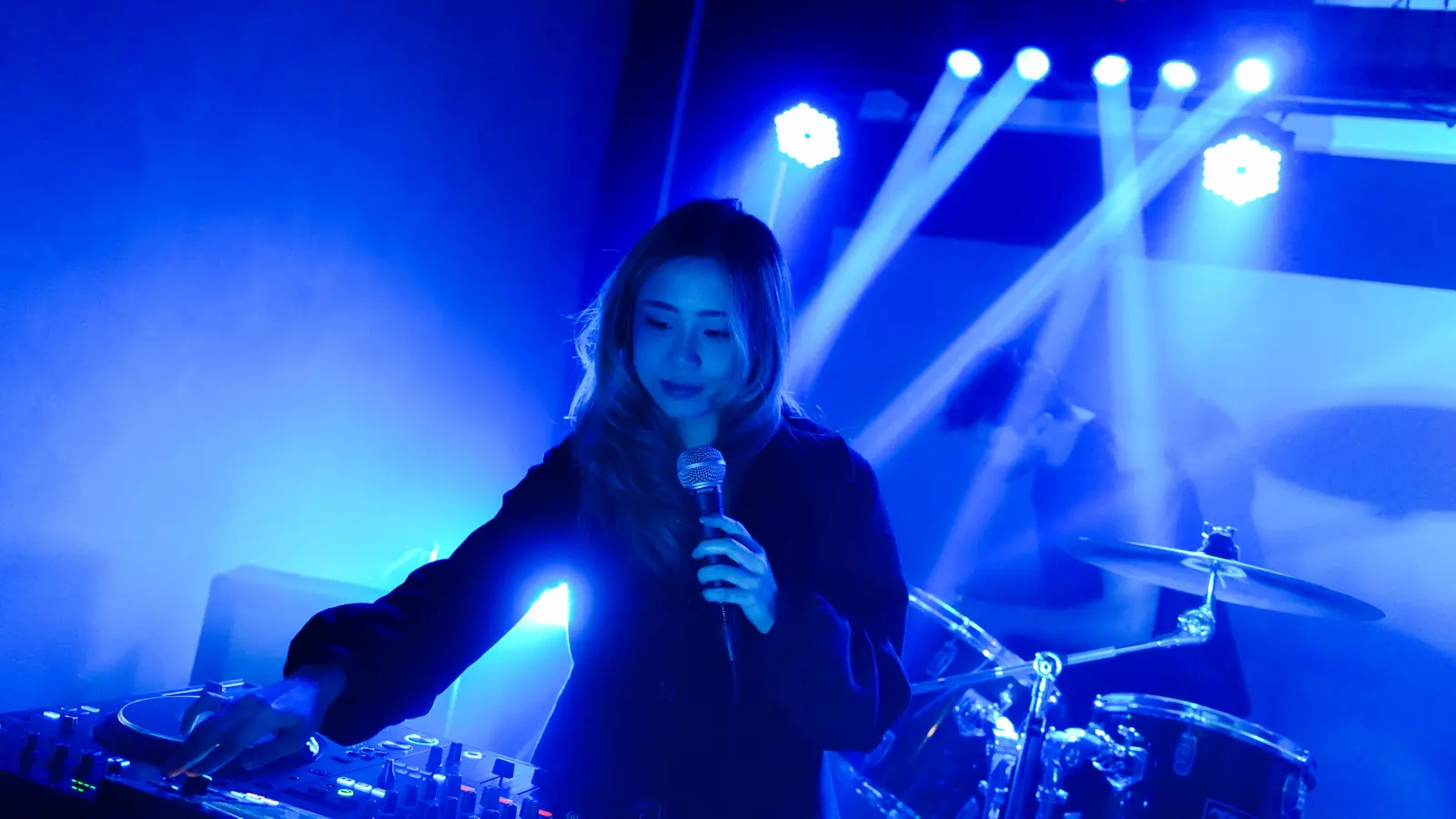
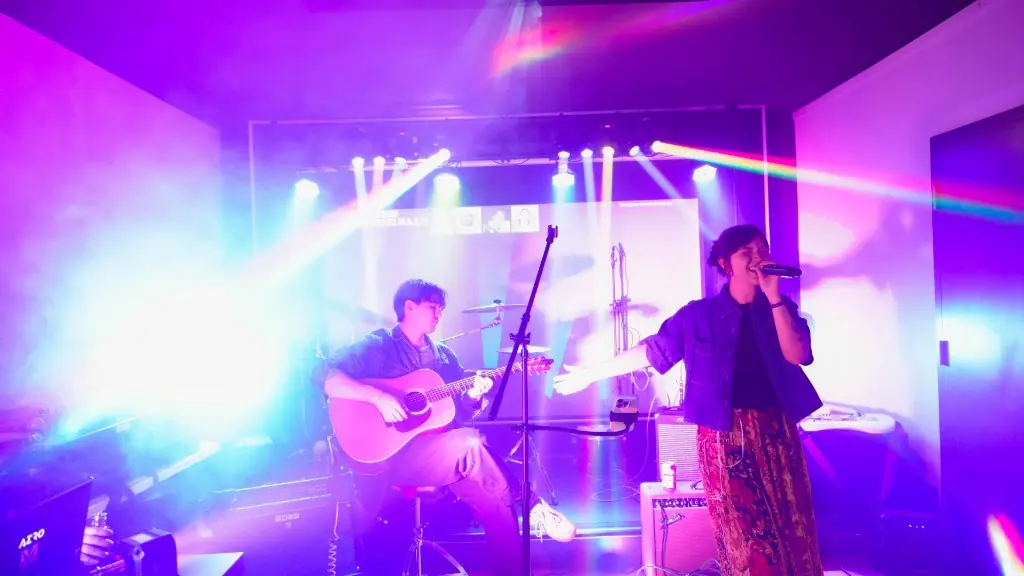
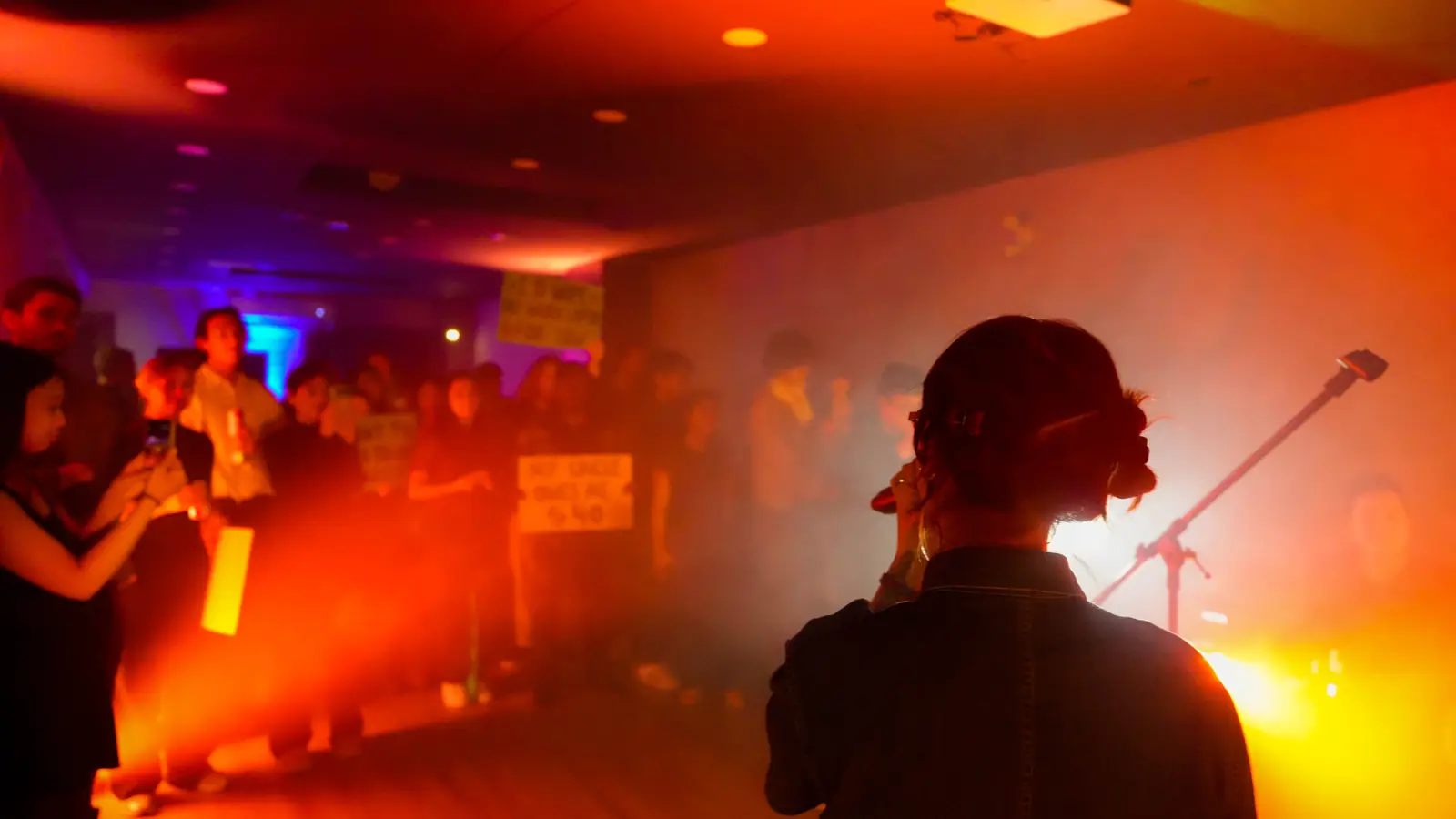
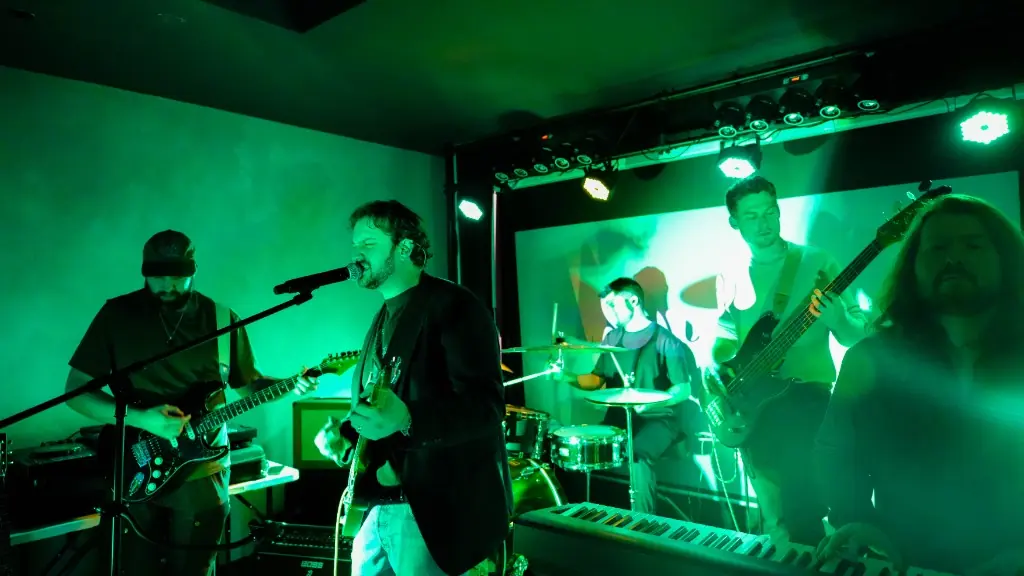
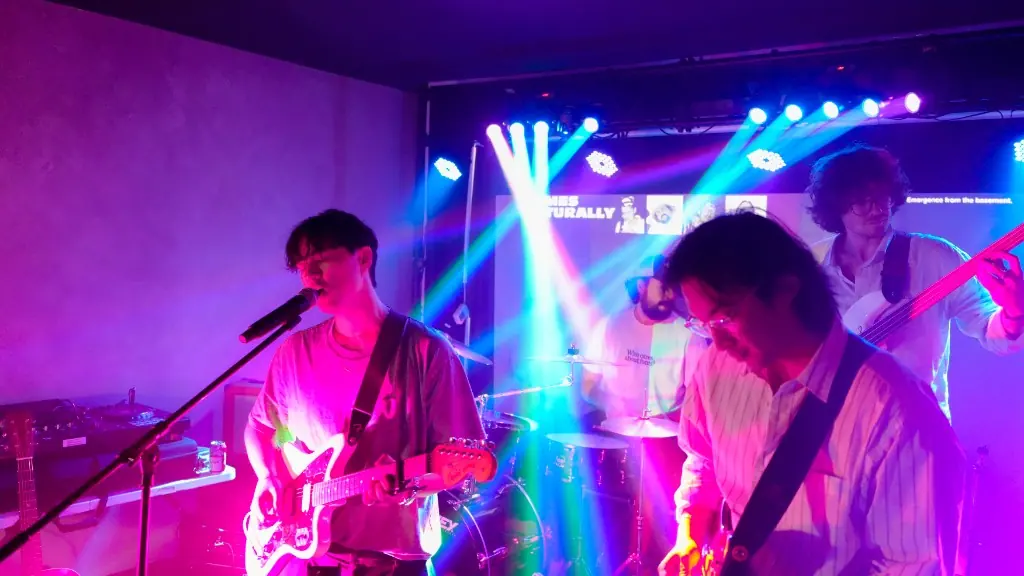
For DJs, bands and small venues
You got the lights. Making them look good is the hard part.
The usual way
Hours of building scenes and chases on a lighting desk before every gig, and a new song means doing it again.
With Oddwave DMX
It listens to the music and runs the show as you play. There are no cues to write.
The usual way
Sound-active mode flickers on the bass and has no idea where the drop is.
With Oddwave DMX
It follows kicks, builds and drops, and changes looks when the song does. On songs it has learned, it holds dark the beat before the drop and hits as it lands.
The usual way
You’re busy playing. Nobody is free to run the lights.
With Oddwave DMX
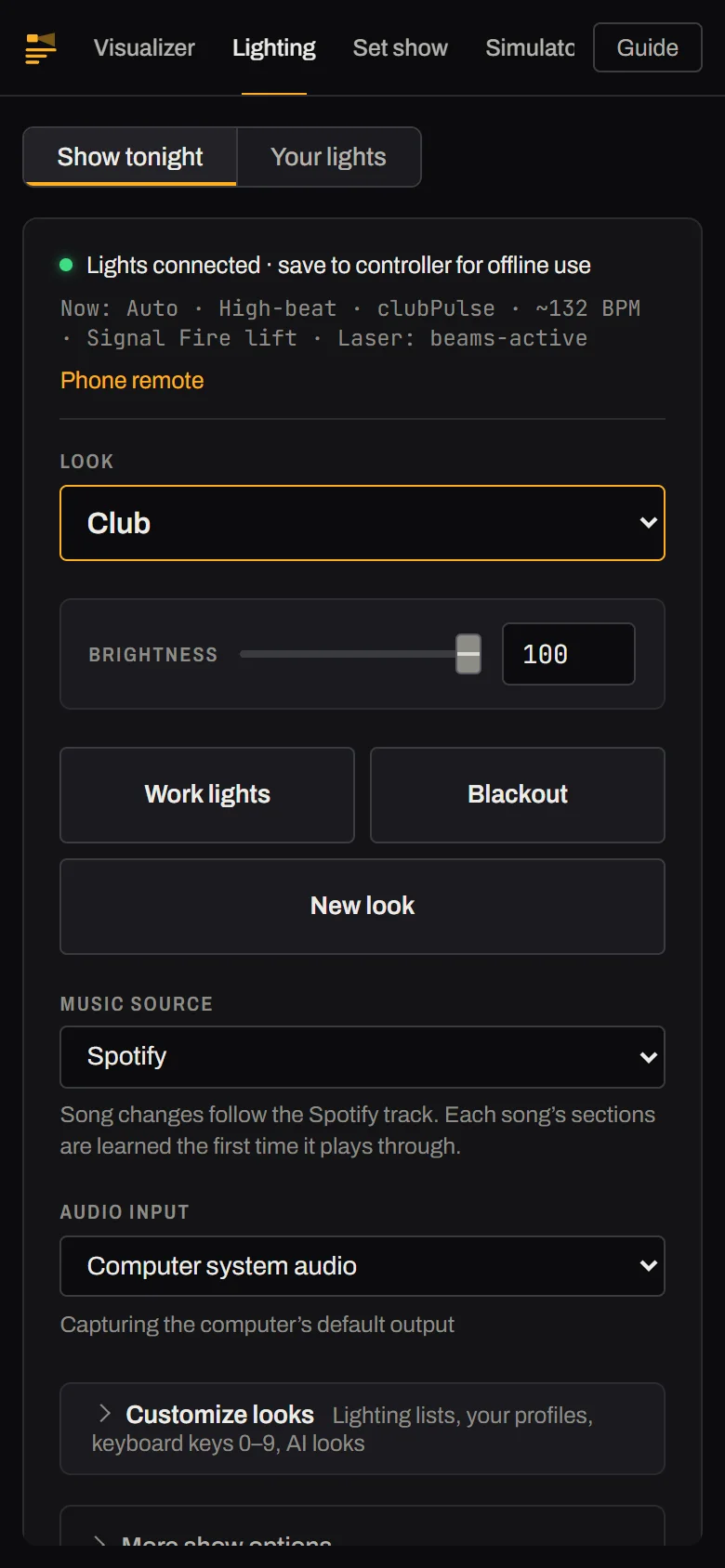
The lights run themselves. When you want a say, there’s Work lights, Blackout, New look, a brightness fader, and a remote on your phone.
The usual way
Every light has its own channel chart and start number to figure out.
With Oddwave DMX
Pick yours from over 7,500 built-in light setups, or add any other DMX light from a photo of its manual. Match the start number and press Identify to see the right one flash.
Running the showTap to enlarge
The controller
Plug it into your computer by USB. Then plug your first light into its DMX socket, or a wireless DMX transmitter to send the show to lights all around the room without running cables. Set up your lights once in the desktop app and the controller remembers them. From then on it can run the show by itself, or alongside the app for plain-English looks and set shows.
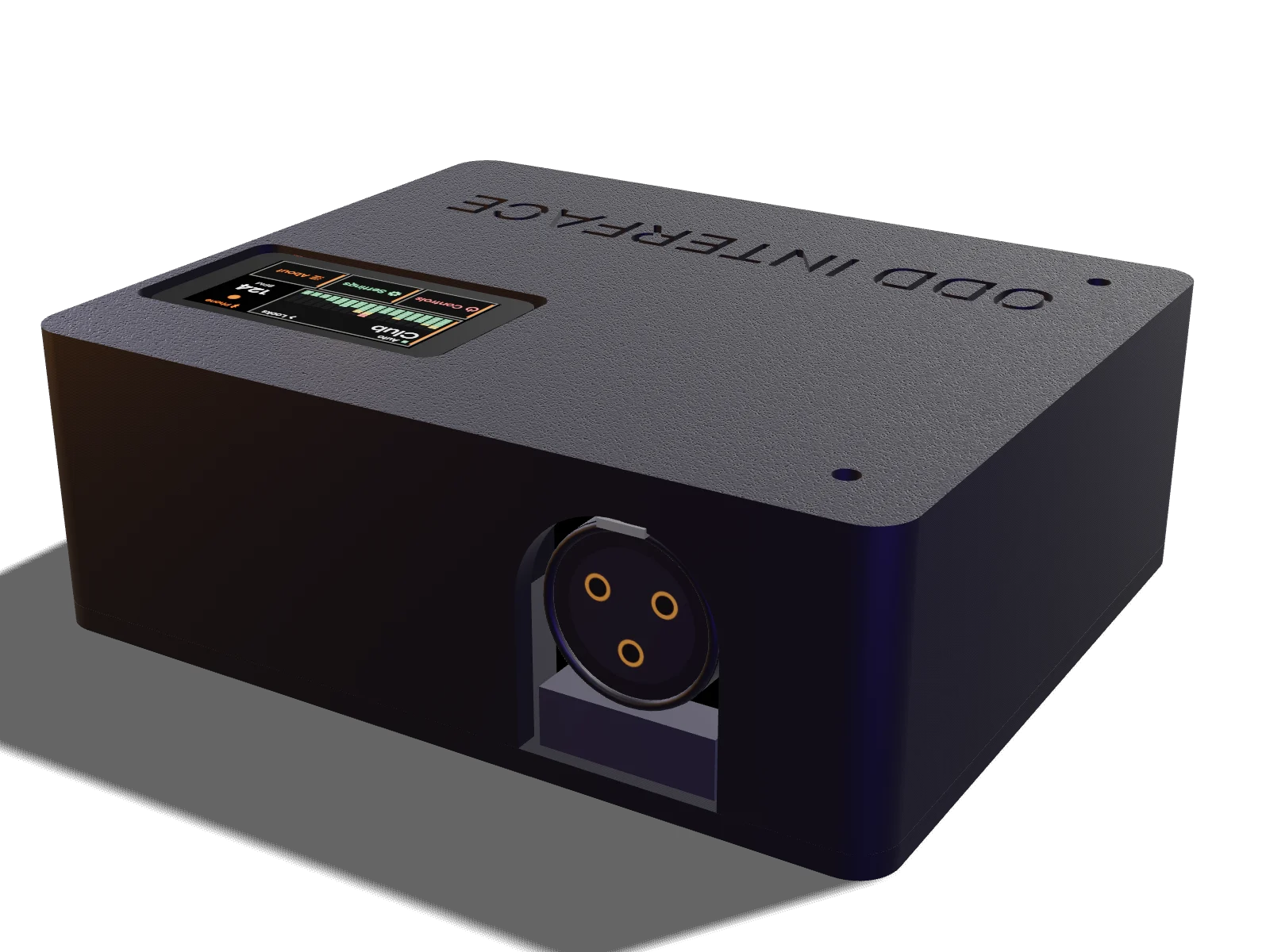
Smart controller
The show runs in the box. No separate interface to buy.
Touchscreen display
Shows the look that's running, the beat, and the microphone levels. Switch between Chill, Balanced, Club and your saved looks, black out, and set the screen. It tells you when the computer or a phone is connected.
Computer audio in
Hears your DJ software, a backing track, Spotify, or anything else playing on the computer.
Built-in microphone
Follows a live band in the room, even with the computer unplugged.
Wi-Fi
Puts the phone remote and the dashboard on your network, so you can run the show from the floor or from another screen.
Bluetooth
The Android app connects straight to the box, with no computer. See live sound levels and tempo, and pick the same looks as the screen.
DMX out
A standard port for the lights you already have.
Plain English
Type the vibe you're after, like “dark warehouse techno, red and amber,” and Oddwave DMX builds a look for your lights: the colours, how they move, how hard they hit on the kick. Not quite right? Say so: “slower beams, more blue.”
No channels, cue stacks or chases to learn. Save your looks into your own band or DJ profile, and they play song after song, in time with the music.
Describe a vibe
Adjust it
Set shows · with Spotify
Made for weddings, events and shows that run themselves. Pick a Spotify playlist and add a vibe if you like. Oddwave DMX designs a look for every track, with a scene for each part of the song, and shapes the energy across your whole set.
Mixing live or playing as a band? You don't need Spotify. The lights follow whatever is playing.
A set show, liveTap to enlarge
3D simulator
Your rig, drawn live in 3D exactly as the lights will look. Check a look, walk through a song, and know what the room will see before you load in.
The 3D simulator, mid-dropTap to enlarge
On your phone
Step away from the booth and keep control. Scan the QR code in the desktop app for the phone remote, or open the full dashboard in your phone's browser. There's nothing to install, just the same Wi-Fi as your computer.
Features
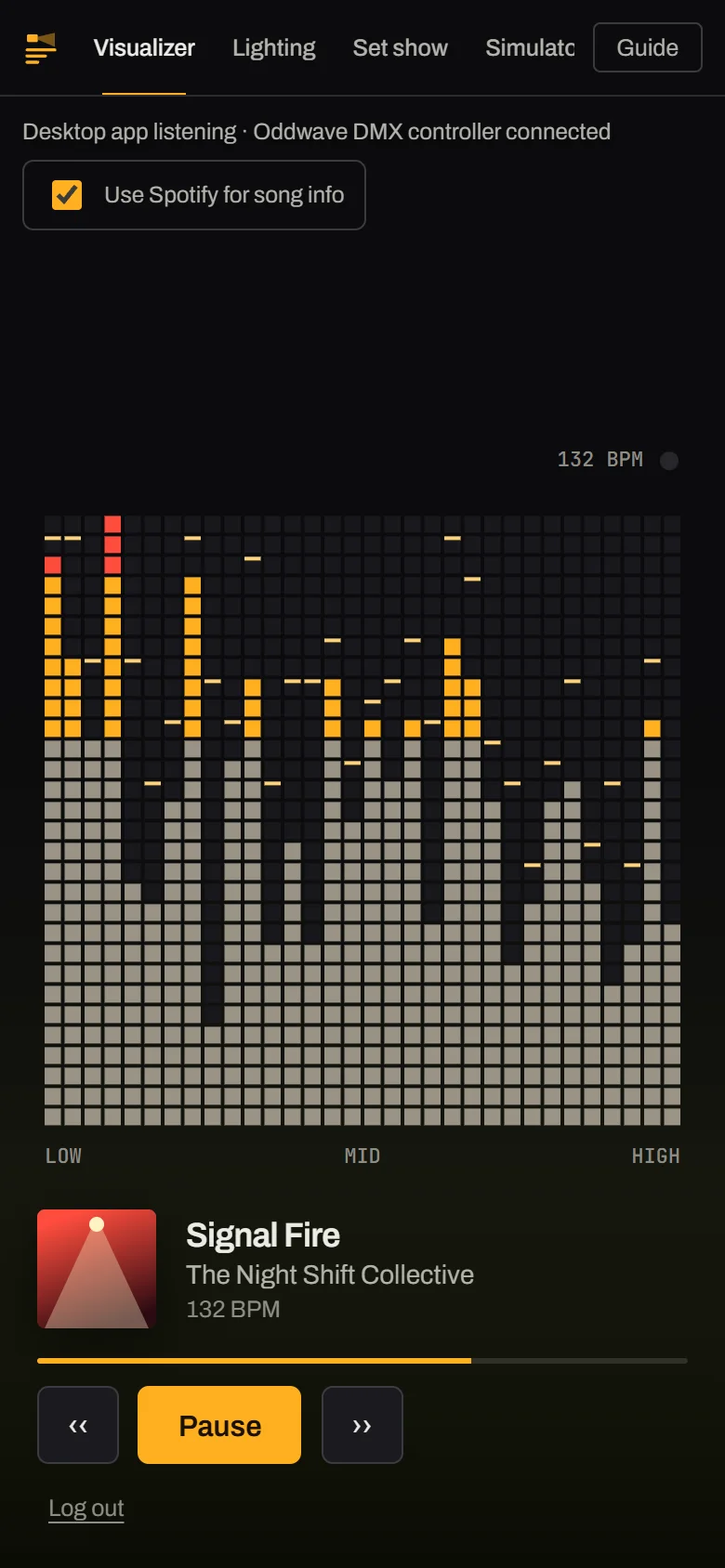
Your DJ software, a backing track, any music player: it listens to whatever your computer plays, or to a live band through the controller’s own microphone. Kicks, beats, tempo and energy drive the lights, and looks change when the song moves on.
Playing from Spotify? It learns each song’s sections the first time it plays through. After that, looks change right on the song’s bars.
Start with Chill, Balanced or Club. Build a band profile (no strobes or lasers) or a DJ profile from looks you pick.
The 3D simulator draws your rig live, exactly as the lights will look, so you can check a show from your couch.
Flash calibration keeps strobes clean on slower lights. Moving heads aim at stage zones with speed limits that protect the motors, and lasers keep a safety height.
The controller keeps your saved setup and runs a music-reactive show from its own microphone. Pick a mood or blackout on its touchscreen.
How it works
A step-by-step guide in the app gets you from the box to a running show in about five minutes.
01
Plug it in
The controller goes into your computer by USB. Your first light plugs into it with a DMX cable, or plug in a wireless DMX transmitter to reach lights anywhere in the room.
02
Add your lights
Pick each light, match its start number, and press Identify. The right light flashes.
03
Press play
Mix in your DJ software, play live, or pick a Spotify playlist and let it design a set show.
04
Perform
The lights run themselves. Big buttons on screen, or the phone remote, are there when you want them.
Your lights
PARs, moving heads, bars, lasers and scanners, from any brand. If it takes DMX, it works: pick it from the library, or add it yourself in a minute. Mix brands freely; each light gets set up its own way.
From 215 brands, from simple PARs to moving heads and lasers. Pick yours and it’s ready to go.
Take a photo of the light’s DMX chart and the app reads it and sets the light up for you. Or load the setup file its maker publishes, start from a simple type like a wash PAR or moving head, or set its channels by hand.
Match the light’s start number and press Identify: the right light flashes, so you know it’s connected.
Your lightsTap to enlarge
Who it’s for
Mix live in the software you already use. It hears your computer’s audio and follows every blend, build and drop. No Spotify needed.
The controller’s microphone hears you play. A band profile keeps it tasteful (no strobes or lasers) and starts a new look between songs.
Hand it a Spotify playlist and it plans a look for every song, then runs the night while you look after the crowd.
Leave it running on its own, or describe a look in words and check it in 3D before going live.
The film
Watch the Kickstarter film, then the working prototype running a real rig in one unedited take. Polished demo videos are on the way; join the waitlist and we’ll let you know when they’re up.
Kickstarter film
The controller, the app, and lights in a real room.
Unedited prototype demo
The real controller running real lights, in one take: no cuts, no edits, no added audio.
Coming next
Auto mode — no programming
Press play and watch the lights change looks on their own when the song does.
Reacting to a Spotify playlist
Pick a playlist and see a look planned for every track, from the intro to the drop.
Plain-English show building
Type “dark warehouse techno, red and amber” and watch the look come together.
Live at an event
The whole rig running itself at a real show, start to finish.
How it compares
Lighting for performers usually means one of two things: DJ lighting software you program track by track, or a box that reacts to sound on its own. Oddwave DMX gives you the best of both, and adds things neither does.
Oddwave DMXDescribe it in plain words, then adjust it the same way: “slower beams, more blue.”
Oddwave DMXAny DJ software, a live band through its own microphone, or a Spotify playlist.
Oddwave DMXLearns each song’s sections and plans a whole playlist, with looks changing right on the bars.
Oddwave DMXRuns on its own after setup. Plug in the laptop for plain-English looks and set shows.
Oddwave DMXOver 7,500 light setups built in, and any other DMX light from a photo of its manual.
Oddwave DMXA one-time purchase. No subscription.
Open source
We plan to open-source both the Oddwave DMX app and the software that runs on the device. That means the community can explore how it works, create custom features, and contribute improvements, from fixture support to new ways of shaping a show.
You don't need to touch the code to use Oddwave DMX. You still get the complete, ready-to-use hardware, with everything designed to work together. Open-source software simply gives those who want to go further the freedom to do so, and gives the community a way to help maintain and improve Oddwave DMX over time.
The Oddwave DMX desktop app
Planned to be open source.
The software on the controller
Planned to be open source.
The hardware design files
Not part of the open-source plan.
This open-source plan covers the software, not the hardware design files.
Pricing
One price, no subscription: Oddwave DMX is a one-time purchase. Expected retail after the campaign is US$449. Kickstarter charges in Canadian dollars, so the exact amount is the CA$ price shown under each US price.
US$150
US$449
CA$209 on Kickstarter
Save US$299 off retail
US$200
US$449
CA$279 on Kickstarter
Save US$249 off retail
US$250
US$449
CA$349 on Kickstarter
Save US$199 off retail
Every reward includes the controller, the desktop app for Windows and macOS, the phone remote, and a 1-year limited manufacturer’s warranty.
Shipping worldwide: about US$18 to the US (CA$25), about US$25 to the rest of the world (CA$35), CA$20 in Canada.
Just want to follow along? Oddwave Backstage, CA$1: backer-only updates, no physical item. Our goal is about US$3,600 (CA$5,000) in 30 days.
Timeline
You'll get an update at each step, and at least every two weeks.
Nov 22, 2026
Campaign launches
10:00 a.m. ET
Dec 22, 2026
Campaign ends
January 2027
Backer survey
February 2027
Production run
With our manufacturing partners
March 2027
Testing and packing
April 2027
Shipping begins
Estimated delivery: April 2027
The founders
Odd Interface is a Toronto studio founded by Patrick Kwok and Jie Guan, who bring decades of combined experience in manufacturing and tech development. Patrick has taken hardware to mass production with manufacturers before, with his touchscreen tables.
Our manufacturing partners are lined up, and samples and small batches are already built. Everything on this page shows our real, working prototype.
Waitlist
Join the waitlist and we'll email you when the Kickstarter goes live, so you can grab a super early bird spot before they're gone.
Already on Kickstarter? Follow the pre-launch page and they'll email you the moment we go live.
Follow on Kickstarter ↗Questions
Any DMX light, from any brand: PARs, moving heads, bars, lasers, scanners and more. Over 7,500 light setups from 215 brands are built in. For anything else, take a photo of its DMX chart and the app sets it up, load the setup file its maker publishes, or set its channels by hand.
For setup, yes: the desktop app runs on Windows and macOS. It’s also where set shows, Spotify song learning and plain-words looks happen. Once your setup is saved, the controller can run a music-reactive show from its own microphone with no computer attached.
No. The lights follow any music your computer plays, including your DJ software, or a live band through the controller’s microphone. Spotify is optional: with Spotify Premium, it also learns your songs and can plan a set show from a playlist, which suits weddings, events and shows that run themselves.
Type a vibe, like “slow and moody, deep blue,” and the desktop app builds a look for your lights to match. Want it different? Say what to change, like “less strobe,” and it adjusts. It can also set up a light from a photo of its manual. What you type stays private and isn’t used for training.
Yes. The desktop app runs on Windows and macOS. To light to music playing on a Mac, you’ll need the free BlackHole audio driver. There is no Linux version.
Yes. Scan the QR code in the desktop app to open the phone remote in your phone’s browser (same Wi-Fi). An optional Android app also connects to the controller over Bluetooth.
It already follows any DJ software by listening to your computer’s sound, so there’s nothing to set up. A direct connection to DJ software is also on the way.
That’s the plan for the software: both the desktop app and the software that runs on the controller. You don’t need to touch any code to use it. The hardware design files are not part of the plan.
Worldwide. Shipping is about US$18 to the US (CA$25), about US$25 everywhere else (CA$35), and CA$20 in Canada. After the campaign ends on December 22, 2026, we send the backer survey in January, run production in February, test and pack in March, and start shipping in April 2027 (estimated).
No. Oddwave DMX is a one-time purchase.
A 1-year limited manufacturer’s warranty, from the date of purchase, when bought new from an authorized dealer.